Packages are how teams stop copy-pasting their operating system
The good prompt is not enough. MendCode packages make workflows composable: skills, profiles, prompts, widgets, pages, context, themes, MCP, and policy in one inspectable unit.
Editorial cover
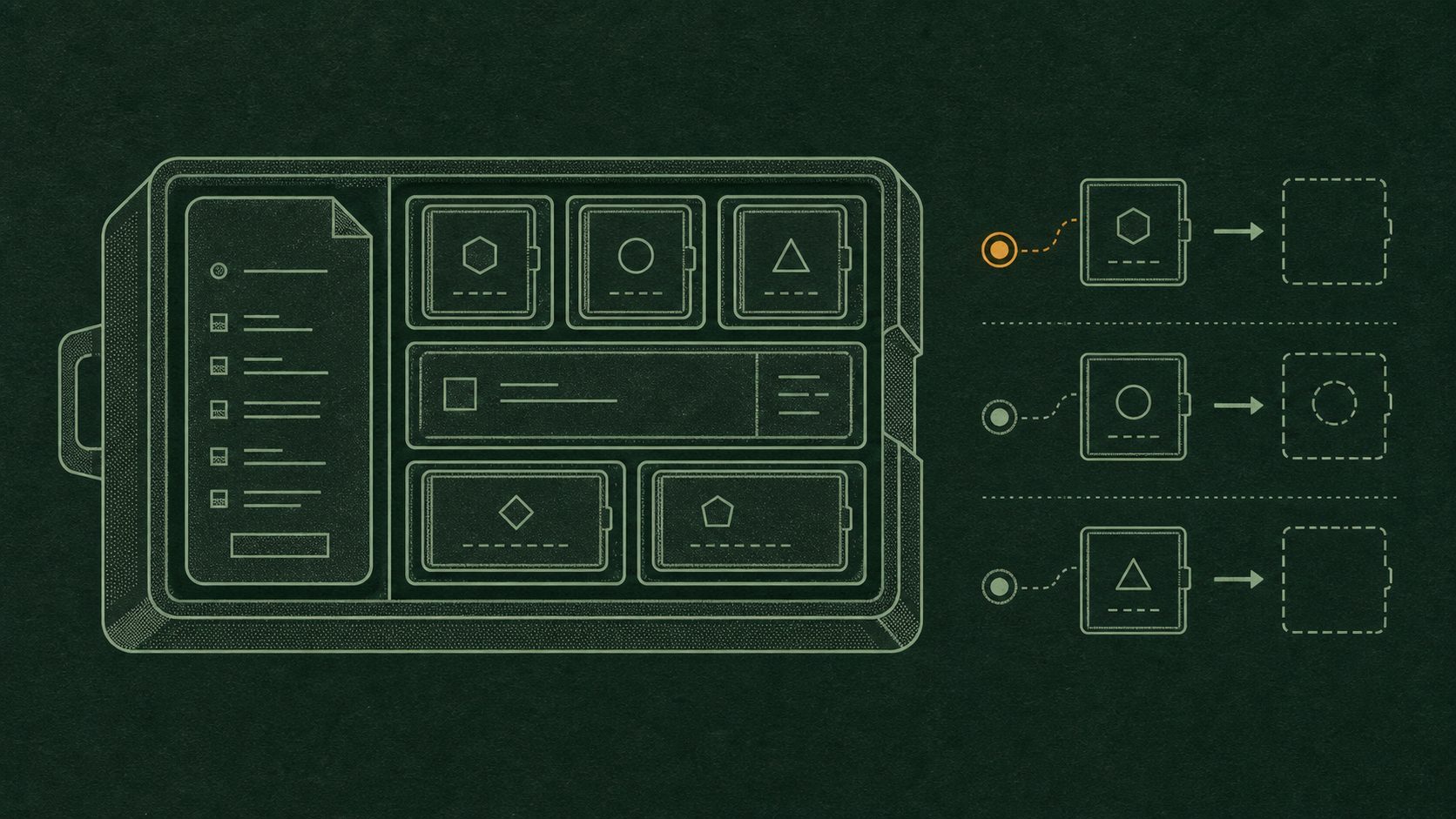
A story-specific system diagram. Product evidence, when present, appears beside the claims it supports.
Every good team has a pile: the review prompt, the release checklist, the debugging ritual, the internal security rules, the docs voice, the migration playbook, the command that only works if you remember the weird flag. The pile is valuable. The pile is not a system.
AI agents make this worse because workflow instructions matter more than ever. If the agent does not inherit the team’s judgment, it will rediscover that judgment badly every session.
The prompt pile
Copy-pasted prompts are where workflows go to rot. They drift, lose context, hide assumptions, and cannot carry UI, scripts, trust policy, or package metadata. A serious agent workflow needs a unit that can be installed, inspected, versioned, updated, and removed.
Workflow as package
MendCode packages can carry more than text. The manifest shape supports artifacts like commands, agents, profiles, skills, plugins, prompts, MCP, themes, context, worktree policy, and extensions. That is the right abstraction: a workflow is a bundle of behavior, surface, and judgment.
{
  "version": 0,
  "id": "acme.security-review",
  "title": "ACME Security Review",
  "artifacts": {
    "agents": [".mendcode/agents/security.md"],
    "skills": [".mendcode/skills/threat-model/SKILL.md"],
    "prompts": [".mendcode/prompts/pr-risk-review.md"],
    "extensions": [".mendcode/widgets/risk-meter.tsx"],
    "context": [".mendcode/context/security-boundaries.md"]
  }
}
Package lifecycle
A package is not done when it installs. It has a lifecycle: author, inspect, install, enable, use, update, disable, remove. Every stage should be boring enough to trust. If a package changes how the agent thinks, what UI it renders, or which commands it suggests, the user needs a way to understand that before the package starts shaping work.
The lifecycle also matters for teams. A release package might start as one founder’s checklist, become a repo convention, then become a shared package across several projects. That path should preserve authorship and intent instead of turning into copy-pasted fragments.
Workflow diagram
Author a workflow artifact
Inspect files and trust posture
Install, enable, update, or remove deliberately
Marketplace shape
The ecosystem shape is marketplace-ish, but not in the shallow plugin-store sense. A useful package can encode release workflows, model roles, UI surfaces, custom widgets, project templates, docs standards, or compliance checks. The hard part is not distribution. The hard part is trust.
What packages can carry
Skills
Reusable domain behavior loaded when the work calls for it.
Profiles
Opinionated operating surfaces for release, review, debugging, docs, or security.
Extensions
Widgets, components, and scripts that shape the cockpit.
Context
Team rules and project assumptions that should be explicit, not tribal.
Team OS
A team has an operating system whether it admits it or not. How it reviews, how it ships, how it handles secrets, how it writes docs, how it escalates risk, how it talks to customers. Packages let that operating system become explicit enough for agents to follow.
That does not remove human judgment. It gives human judgment a durable shape. The agent starts from the team’s known workflow instead of improvising a new one every session.
What not to package
The package boundary should be strict about what does not belong. Secrets do not belong. Local machine state does not belong. One-off project hacks do not belong in a global package. Private customer data does not belong in examples. A package should carry workflow, not accidental environment leakage.
Keep these out
- Plaintext secrets, tokens, Wi-Fi credentials, API keys, or local .env files.
- Generated caches, build artifacts, session transcripts, or personal memory stores.
- Commands that assume a private machine path without documenting the dependency.
- Prompt instructions that grant broad authority without explaining the risk boundary.
This is not paranoia. Packages are how workflows spread. Anything sloppy inside the package spreads too.
Safe modularity
Shareability creates a supply-chain surface. MendCode package design has to make contents inspectable, secrets excluded, trust visible, and destructive behavior bounded. Otherwise package sharing becomes prompt injection with better branding.
Reusable without reckless
| Concern | Bad package ecosystem | MendCode direction |
|---|---|---|
| Secrets | Accidentally bundled | Excluded and called out as local-only |
| Commands | Hidden post-install behavior | Inspectable artifacts and permission gates |
| UI | Random code with full trust | Known widget surfaces and trust tiers |
How packages evolve
The best packages will not be written perfectly up front. They will be extracted from repeated work. A team notices the same review ritual happening every week. A founder keeps asking for the same launch checklist. A security pass keeps producing the same set of questions. That repetition is the signal: package this.
This is where agents help. They can notice repetition, propose a package boundary, generate a first manifest, and list what should stay local. But the human should still decide whether the pattern is real, reusable, and safe to share.
From ritual to package
| Stage | Human role | Agent role |
|---|---|---|
| Repeated workflow | Recognize that the ritual matters | Surface recurrence and collect examples |
| Package draft | Choose boundary and trust posture | Generate manifest and candidate artifacts |
| Shared package | Review, version, and own it | Apply, inspect, and suggest updates |
Not just sharing
Packages are not just a convenience feature. They are how workflows become portable without becoming mysterious. A good package lets a team say: this is how we do releases, this is how we review risk, this is how our agent should behave here.
The real product is not the prompt. It is the workflow boundary the prompt lives inside.